
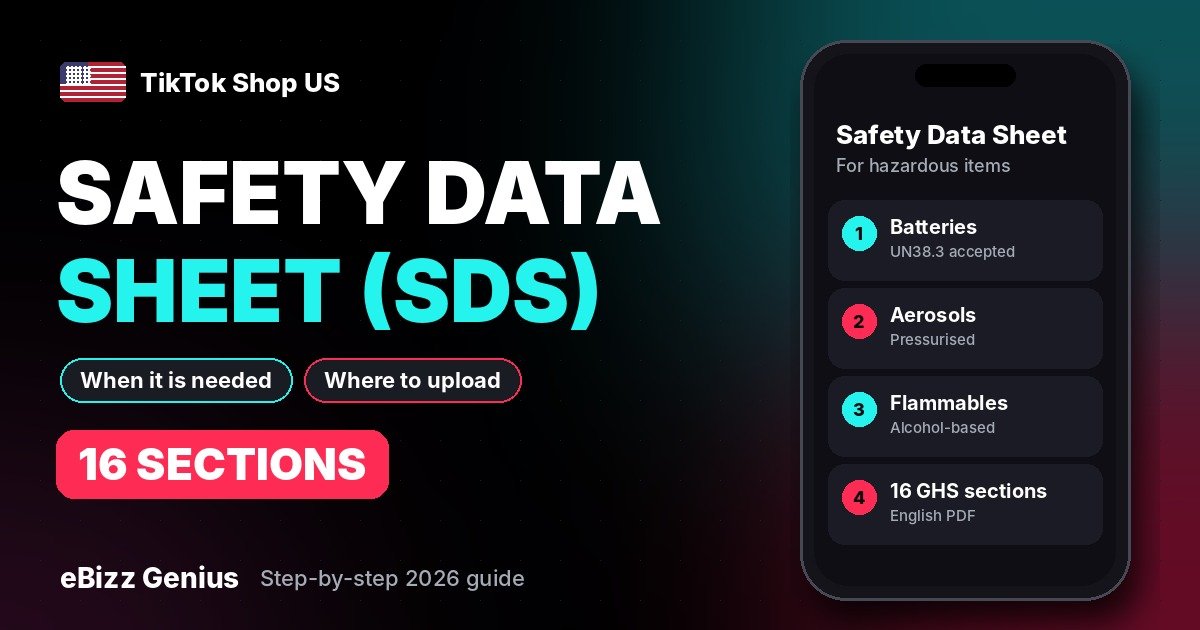
On TikTok Shop US, a listing can be blocked until you upload one file: the Safety Data Sheet (SDS). TikTok US requires it for any product that contains harmful or potentially hazardous chemicals, even when the product does not need hazmat shipping labels.
When TikTok Shop US asks for an SDS
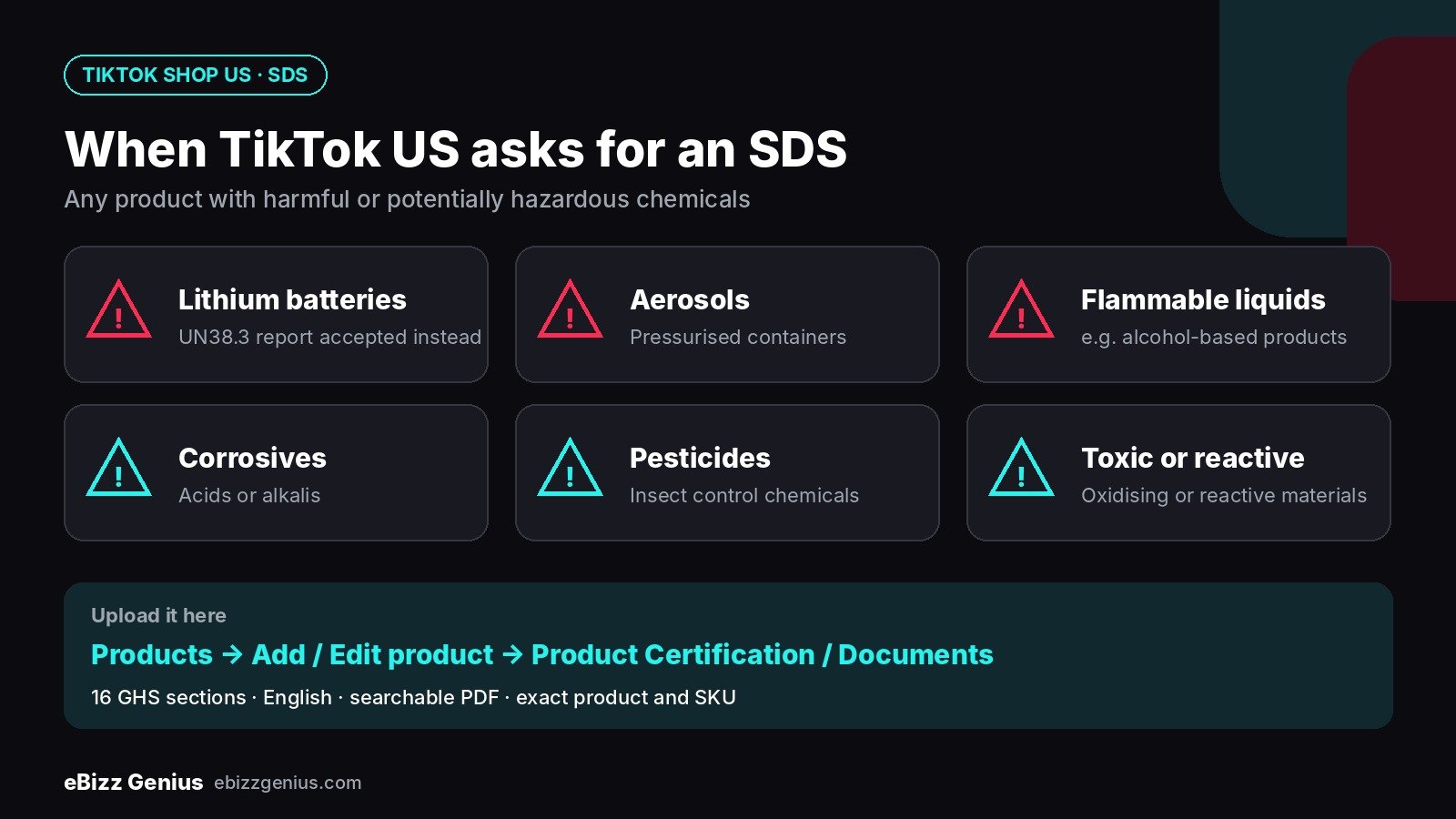
Without the SDS, TikTok may block or suppress the listing until the correct document is uploaded.
The 16 sections of an SDS

Where to get a genuine SDS
- Ask the manufacturer or supplier
The SDS must be issued by the manufacturer or a qualified SDS authoring service, for the exact formula, SKU and packaging you sell.
- Check Section 1
Product name must match your listing and label, with the manufacturer or supplier name, full address, business phone and an emergency phone number.
- Check the date
Section 16 must show the date of preparation or last revision. Outdated sheets without a revision date are rejected.
- Your own brand?
Prepare the SDS only with proper laboratory data and expertise. Otherwise use a certified lab or SDS authoring service. Never upload a generic, self-made or similar product’s SDS.
How to upload it in the US Seller Center
- Open the product
Go to Products → Add Products, then add a new product or edit the existing one.
- Fill in the attributes
Complete all product information and the required hazmat or restricted product attributes, such as battery details, flammability or aerosol volume.
- Upload the document
Upload the SDS, or the UN38.3 report for lithium batteries, in the Product Certification / Documents section, then submit.
- All 16 sections, in English
- Searchable PDF with a clear file name
- Hazard classification matches the label, transport documents and product attributes
- Emergency phone number is valid and reachable
- CAS numbers and concentration ranges included
- Guide to Obtaining a Safety Data Sheet (TikTok Shop US Academy)Updated 06/26/2026
- OSHA: Safety Data Sheets, Appendix DUS 16-section format. May not open outside the USA
Can’t get it approved? Our team can do it for you
If the documents are confusing, keep getting rejected, or you simply do not have time, the eBizz Genius team can handle SDS requests and product rejections for you. We check what TikTok Shop is asking for, tell you exactly which genuine documents you need, prepare a clean submission and follow it through to approval.
eBizz Genius Limited, registered in England and Wales (Company No. 15954165).