
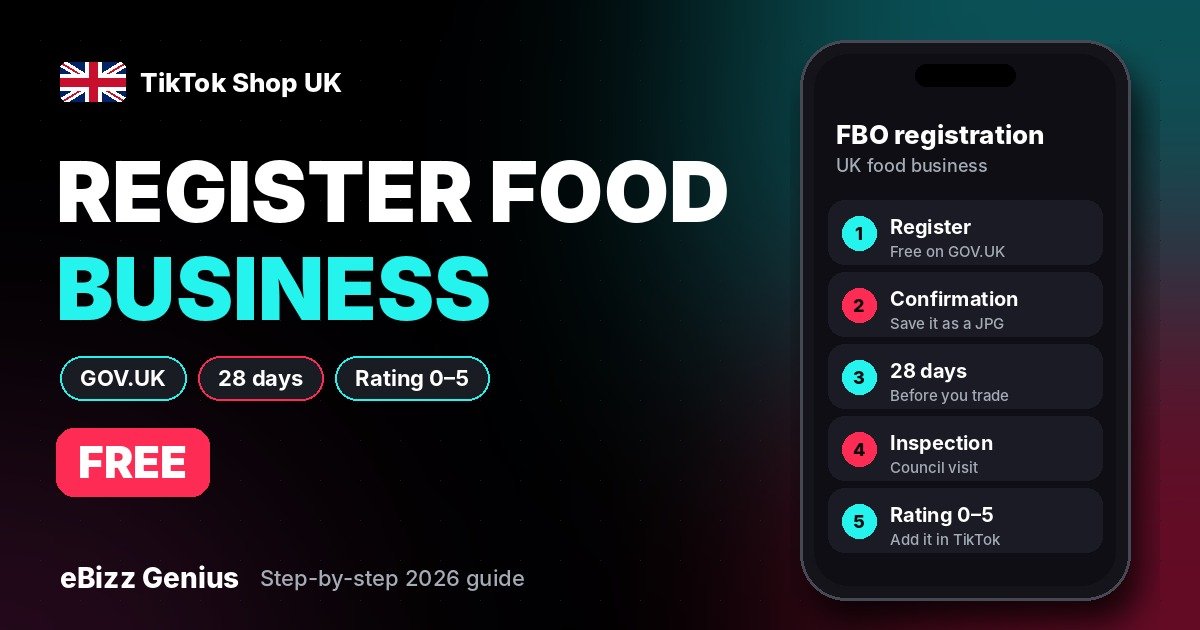
If you want to sell food, drinks, snacks or supplements on TikTok Shop UK, TikTok will usually ask for proof that you are a registered food business. The good news: registration is free, done online and cannot be refused. Here is the full process.
Who needs to register?
In England, Wales and Northern Ireland, anyone who sells, cooks, stores, handles, prepares or distributes food needs to register with their local authority. This includes businesses that sell from home or only online. Food distribution and brokerage businesses that work from an office should register too, even if no food is kept on site. In Scotland the process is run by Food Standards Scotland and your local council.
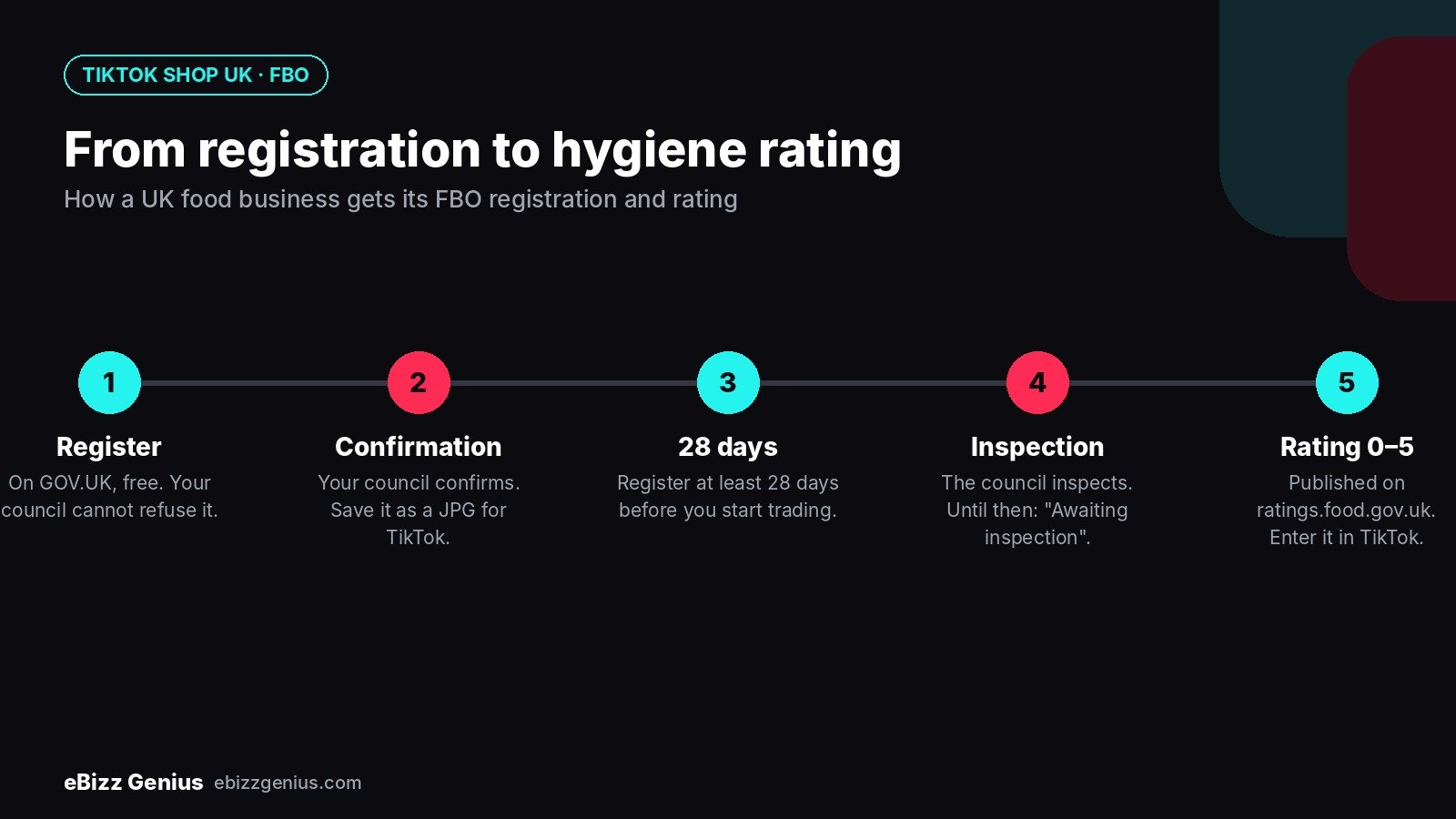
Step by step: registering on GOV.UK
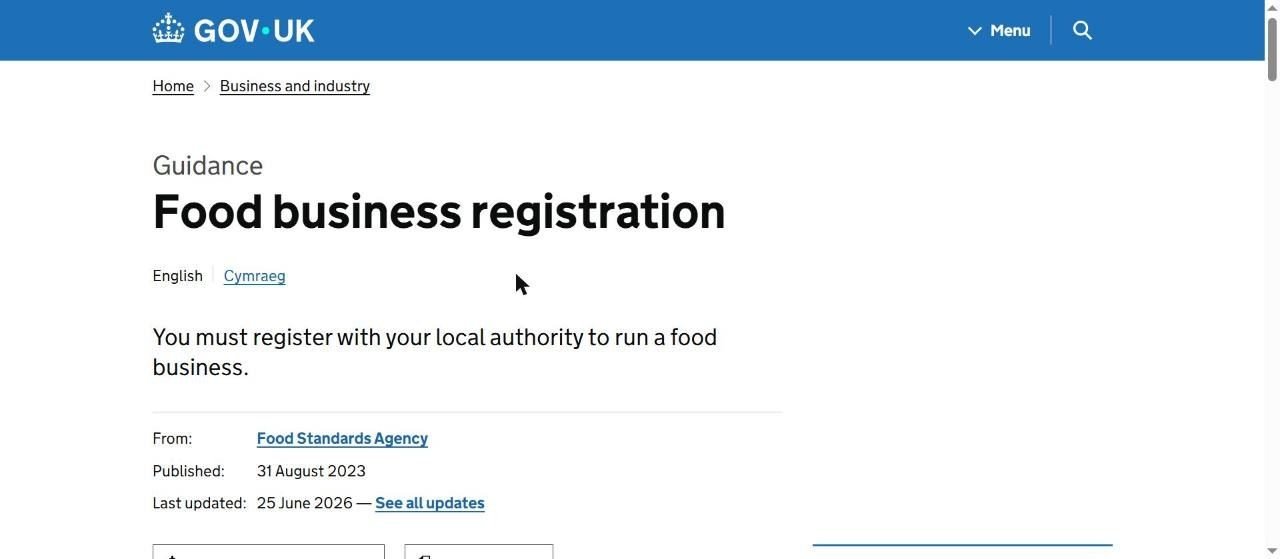
- Open the official GOV.UK page
Go to the GOV.UK Food business registration page from the Food Standards Agency. It explains who needs to register.
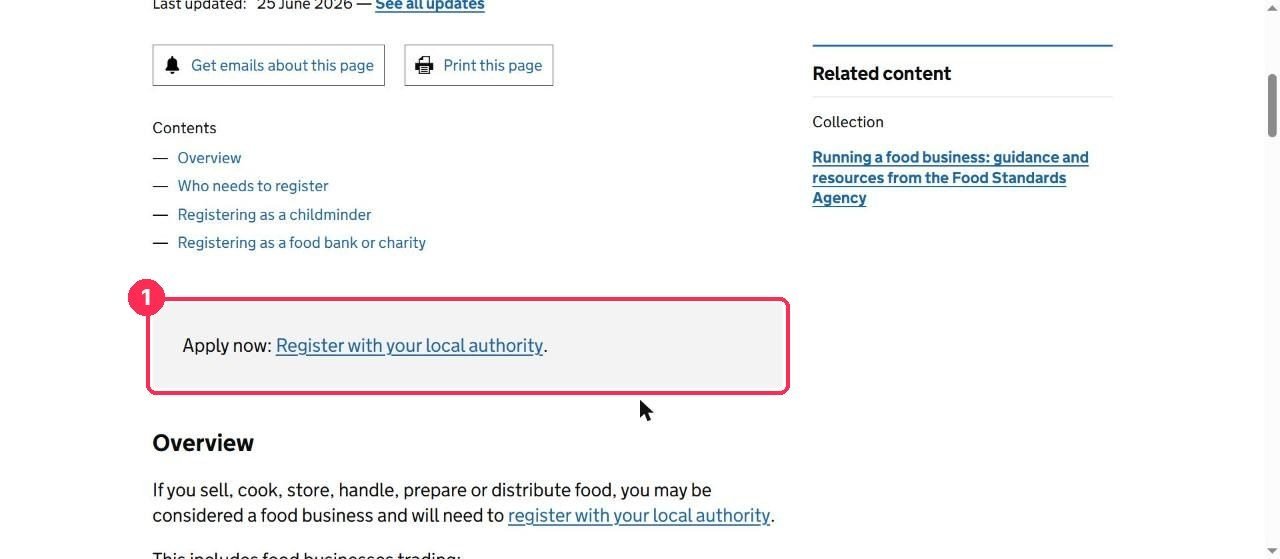
The official GOV.UK guidance page - Click Register with your local authority
Scroll to Apply now and click Register with your local authority. The service sends your form to the right council based on your postcode.
Step 1: Apply now → Register with your local authority - Begin the registration
Read the short explanation of the terms food business operator and establishment, then click Begin registration.
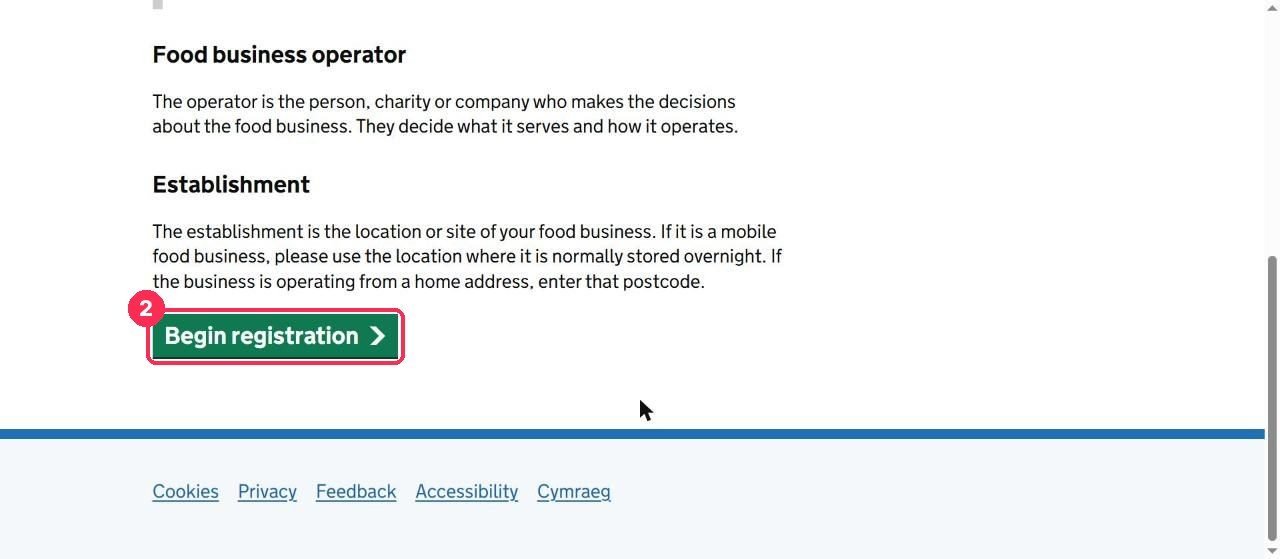
Step 2: Begin registration on the Register a Food Business service - Enter the establishment postcode
The establishment is where the food is stored or handled. If you run the business from home, enter your home postcode.
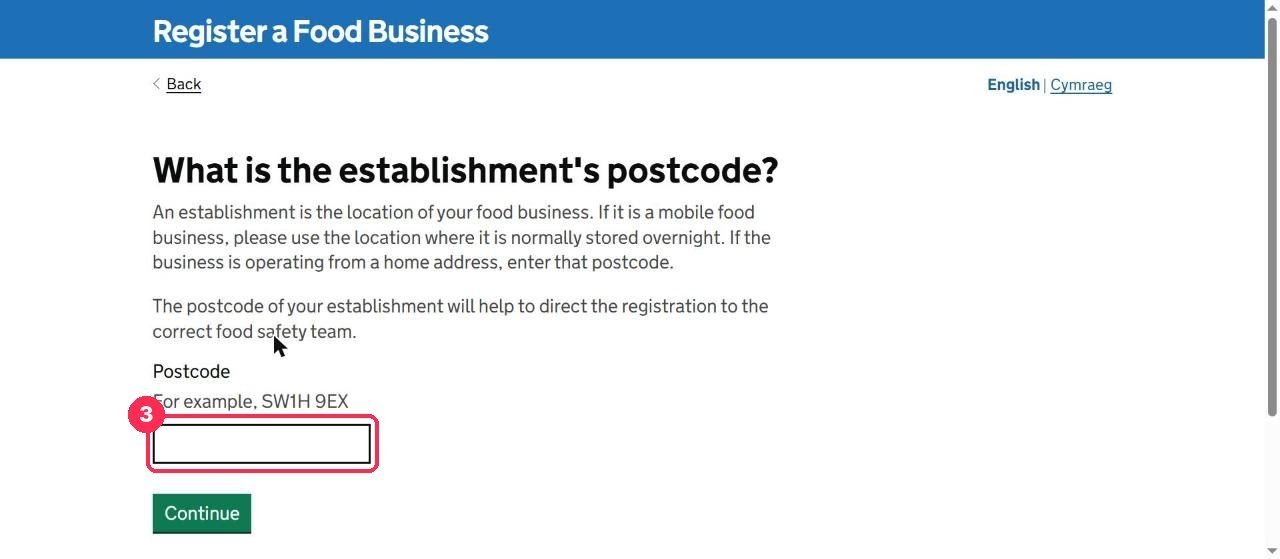
Step 3: the first question asks for the establishment postcode - Enter the operator details
Name, address and contact details of the person or company running the business. For a limited company, use the company name exactly as it appears on Companies House.
- Enter the business details
Trading name, the address where food is stored or handled, the type of business (for example online retailer or distributor), opening date and number of staff.
- Add all trading names
If you sell under more than one name (for example your brand name and your TikTok Shop name), list them all on the same registration.
- Submit and keep the confirmation
You receive a confirmation with a registration reference. Your council usually acknowledges it within a few working days and may contact you to arrange an inspection.
What to upload to TikTok Shop
Upload the confirmation email or letter from GOV.UK or your council showing your business name, the premises address and the registration reference. Make sure the name and address match your TikTok Shop account exactly. Along with it, add clear photos of your product labels showing the ingredients, allergens, best-before date and a UK business name and address.
I am a reseller or dropshipper. What then?
The registration belongs to the business that stores or handles the food. If a UK warehouse or supplier holds the stock, they must be a registered food business, and you should also register your own business because you sell and distribute food. Ask your supplier for their registration details and a proper purchase invoice. Never copy or edit someone else’s certificate.
Common reasons food approval is rejected
- The registration name or address does not match the TikTok Shop account
- Screenshot of a half-finished form instead of the submitted confirmation
- Labels missing allergen information or a UK address
- Products listed in the wrong food sub-category
- Food business registration (GOV.UK)Start your free registration
- Register a Food Business service (FSA)The online form used by councils
- Starting a food business (GOV.UK)Checklist before you register
- Selling food on social media (Food Standards Scotland)For businesses based in Scotland
Can’t get it approved? Our team can do it for you
If the documents are confusing, keep getting rejected, or you simply do not have time, the eBizz Genius team can handle food business registration and TikTok Shop food approval for you. We check what TikTok Shop is asking for, tell you exactly which genuine documents you need, prepare a clean submission and follow it through to approval.
eBizz Genius Limited, registered in England and Wales (Company No. 15954165).